
SQL Editor Project Settings
Learn about project-level settings for the SQL Editor, including date/time display format and indentation.
Timezone
Set the timezone used to display date/time values in the result grid.
The default is the browser's local timezone (e.g., Asia/Seoul).
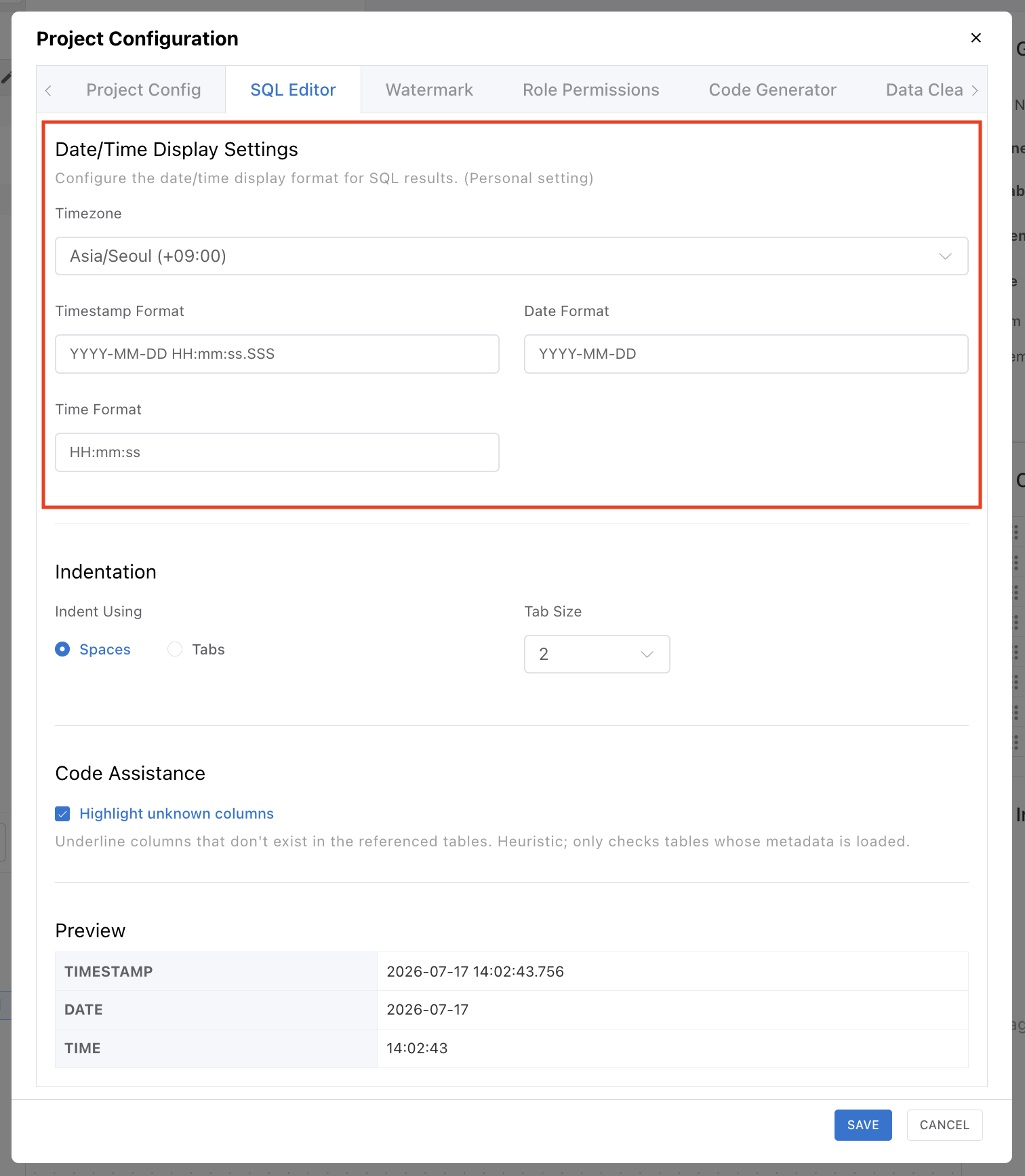
| Date Type | Timezone Application |
|---|---|
Naive typesDATE, TIME, DATETIME, TIMESTAMP | Displayed exactly as stored in the database, regardless of the Timezone setting. No timezone conversion is applied. |
Aware typesTIMESTAMPTZ, TIMETZ, DATETIMEOFFSET | Converted to the configured timezone for display. The UTC offset (e.g., +09:00) is shown in the column header. |
The Timezone setting only affects Aware type columns. Naive types are not affected by timezone changes. For example, to view a PostgreSQL TIMESTAMPTZ column in Korean time, select Asia/Seoul.
Timestamp Format / Date Format / Time Format
Set the format for displaying date/time values in the result grid.
| Setting | Default | Applies To |
|---|---|---|
| Timestamp Format | YYYY-MM-DD HH:mm:ss.SSS | DATETIME, TIMESTAMP, TIMESTAMPTZ date+time columns |
| Date Format | YYYY-MM-DD | DATE type columns |
| Time Format | HH:mm:ss | TIME type columns |
Available format tokens:
| Token | Meaning | Example |
|---|---|---|
YYYY | 4-digit year | 2026 |
MM | 2-digit month | 05 |
DD | 2-digit day | 13 |
HH | 2-digit hour (24-hour) | 14 |
mm | 2-digit minute | 30 |
ss | 2-digit second | 45 |
SSS | Milliseconds | 123 |
Indentation
Configure the indentation style and size for the SQL Editor.
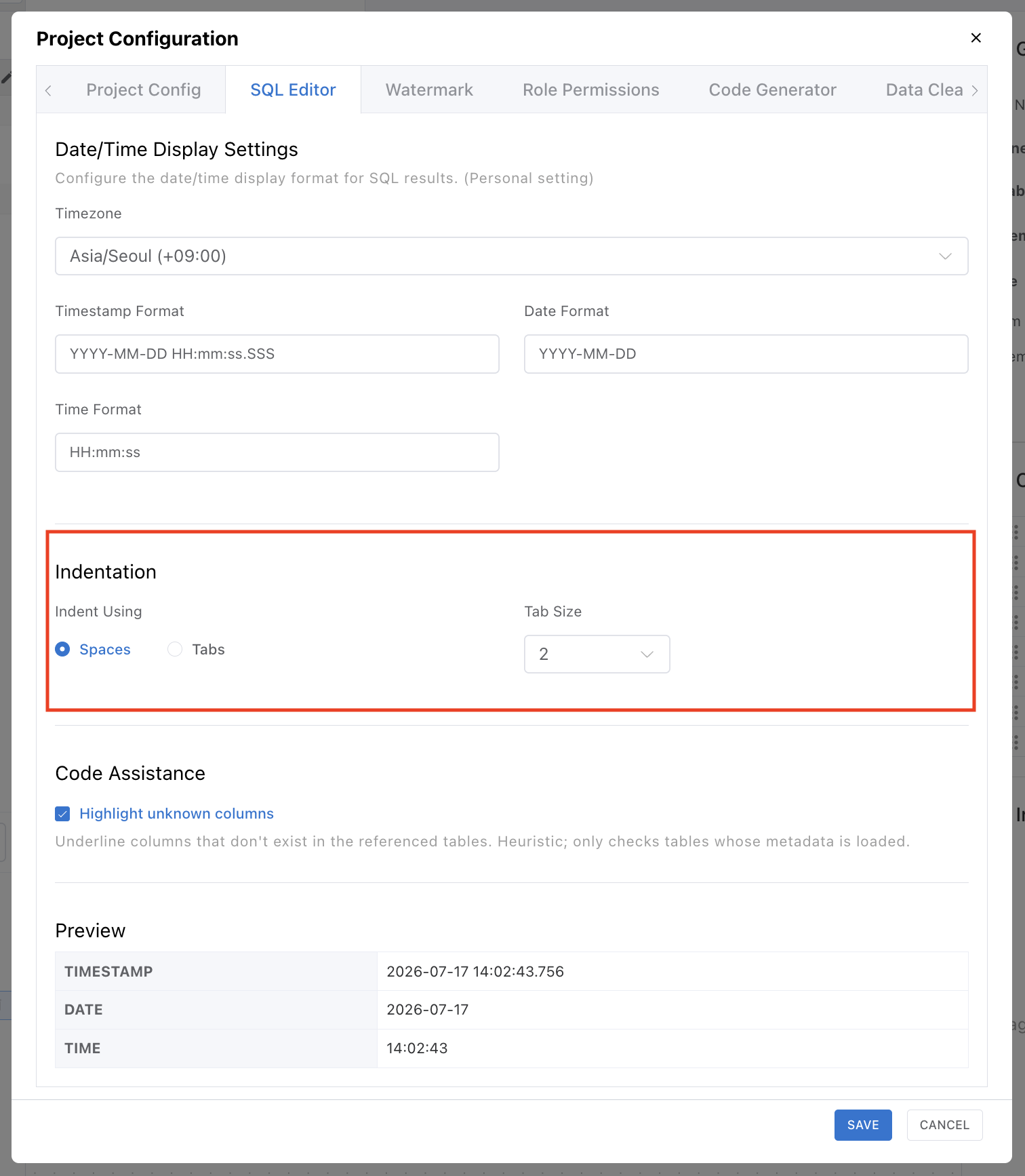
| Setting | Options | Default |
|---|---|---|
| Indent style | Spaces / Tabs | Spaces |
| Tab Size | 2 / 4 / 8 | 2 |
This setting applies both to characters inserted when pressing Tab and to SQL formatting results.
Code Assistance
While you write SQL, the editor detects references to columns that don't exist and underlines them in real time, so you can catch typos and wrong column names before running the query.
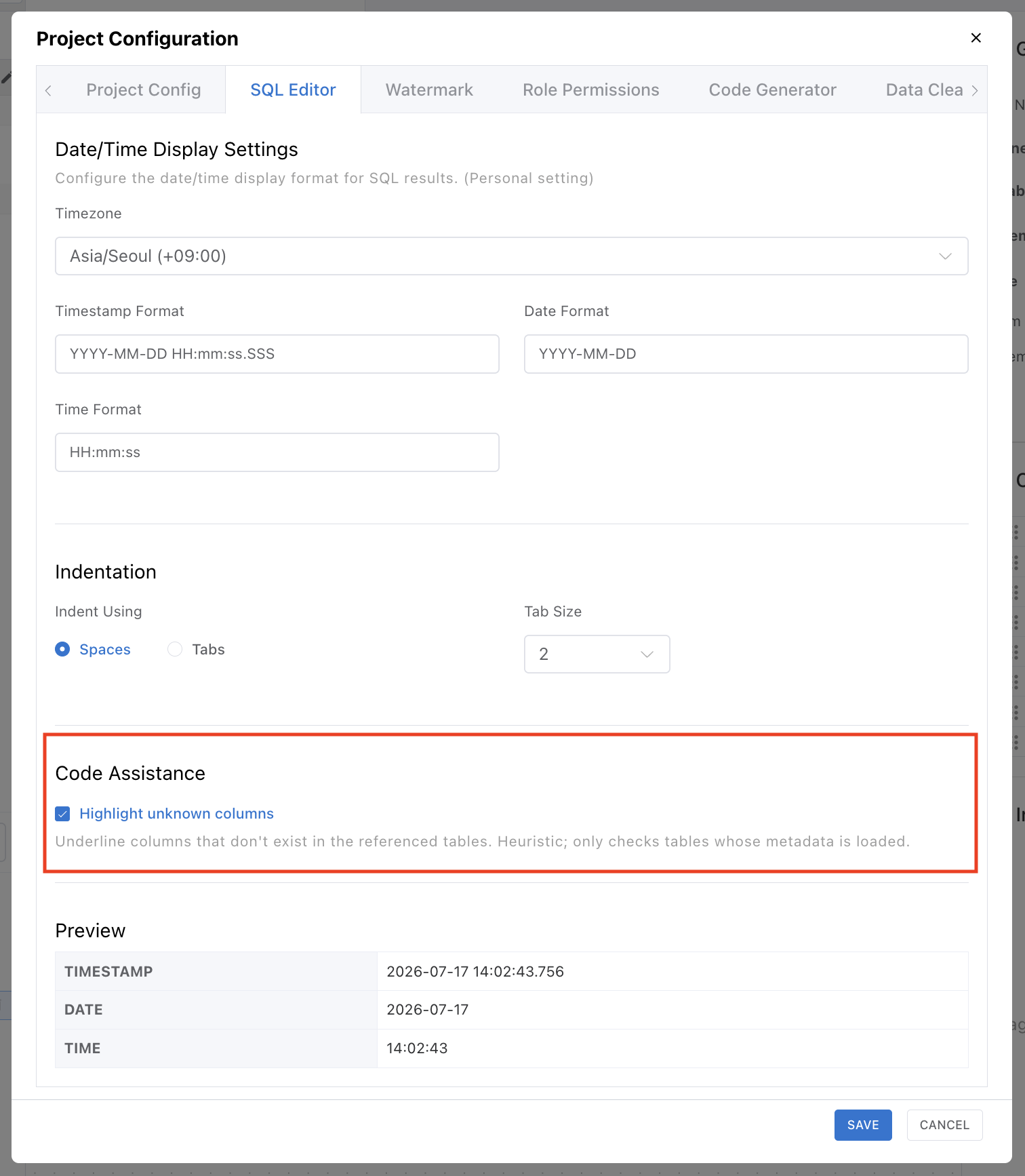
| Setting | Default | Description |
|---|---|---|
| Highlight unknown columns | ON | Underlines columns that don't exist in the referenced tables. Hover over an underline to see a tooltip naming the table the column is missing from. |
The check is based on tables whose schema has been loaded. Tables whose schema hasn't been loaded yet are excluded from the check.
Preview
When you change Timezone and date/time format in the settings, a real-time preview based on the current time is displayed.
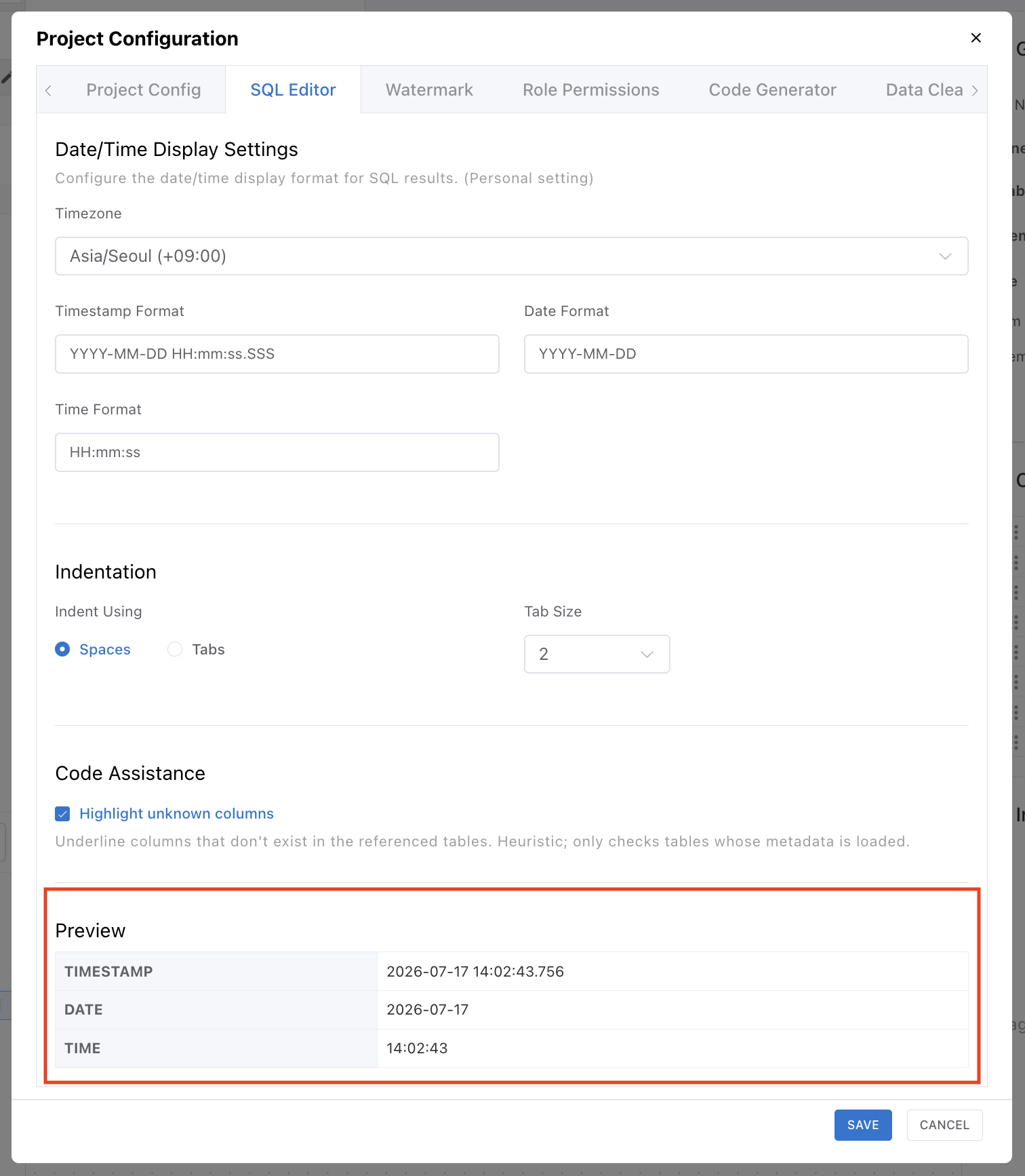
| Preview Item | Display Example |
|---|---|
| TIMESTAMP | 2026-05-13 14:30:45.123 |
| DATE | 2026-05-13 |
| TIME | 14:30:45 |
The preview lets you immediately see how dates will be displayed in the result grid after changing settings.